Every game that has ever been written is the same three instructions repeating.
Read what the player is doing. Move the world on by one step. Draw the world. Go back to the start.
That is a game loop. It runs sixty times a second, and the illusion of a living world is entirely a product of doing it fast enough that a person cannot see the joins. Everything else in a game, all of it, hangs off those three lines.
Why it is a loop and not a series of events
A web page is event driven. Nothing happens until somebody clicks, and between clicks the page sits there costing nothing.
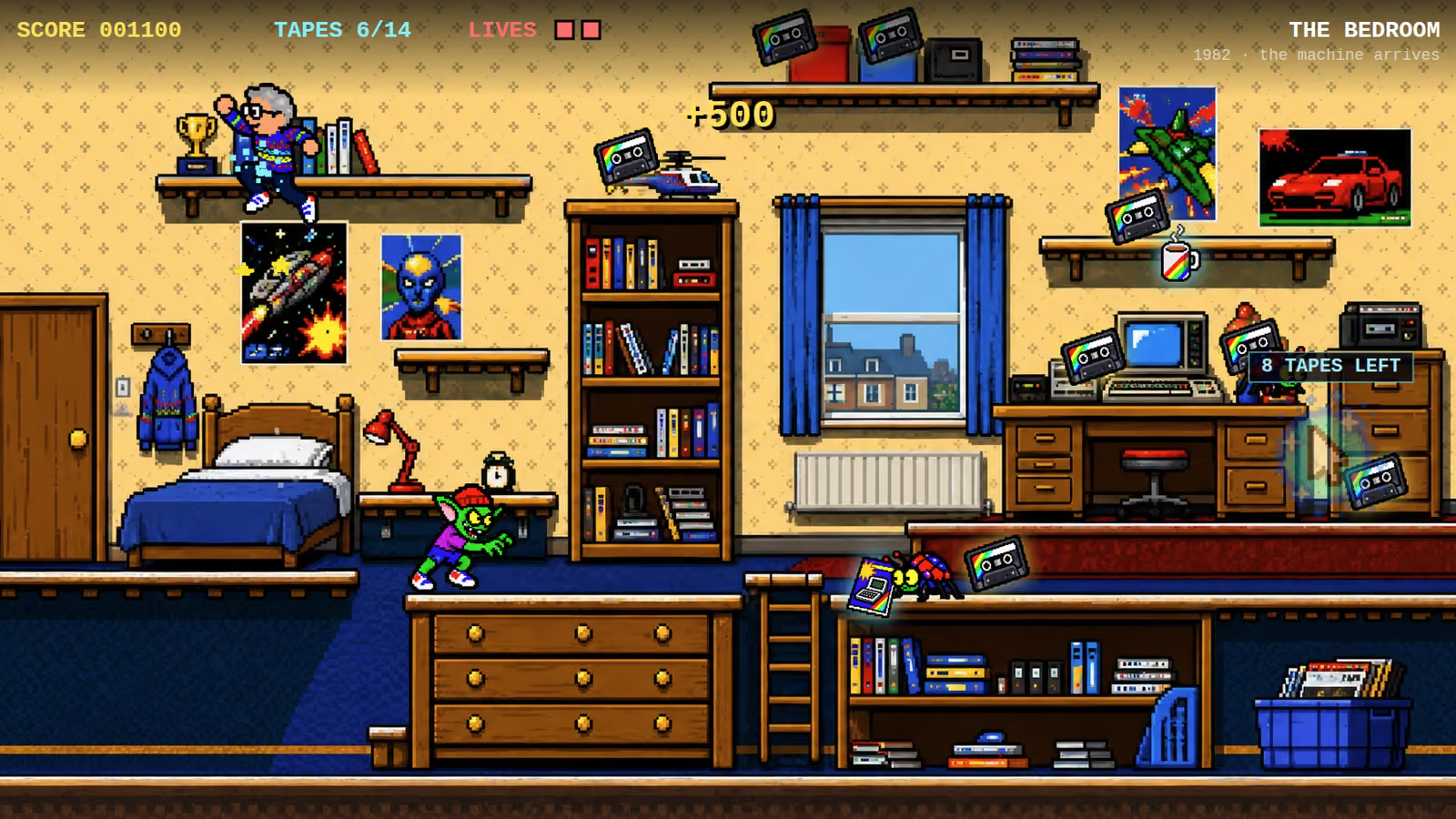
A game cannot work that way, because things happen in a game when nobody is doing anything. Gravity applies. Enemies patrol. A cassette bobs up and down on its shelf. A timer runs out. If the only thing that woke the code up was input, a player who put the controller down would freeze the world, and the world would be waiting rather than living.
So a game runs constantly, whether or not anyone is touching it, and input becomes just one more thing checked on the way round.
The two halves
Inside the loop, the work splits cleanly in two, and keeping that split honest is most of what makes a game maintainable.
Update changes things. It reads the keys, moves the player, applies gravity, resolves collisions, decides whether a cassette was collected, ticks the timers. Nothing in update draws anything.
Draw changes nothing. It looks at the world as it currently stands and paints a picture of it. Nothing in draw is allowed to move a character, decrement a counter or decide anything.
That discipline sounds fussy until you want any of the following, all of which fall out of it for free.
Pausing is skipping update while still calling draw, so the game holds still under an overlay rather than going black. Slow motion is calling update every other frame. Catching up after a stall is calling update twice before drawing once. And running the whole game with no display at all, which is exactly what an automated test does when it plays a level to make sure it can be finished.
Our engine template exposes a small test handle that presses keys and advances the world a set number of steps without ever drawing a frame. That is only possible because update does not draw.
Tied to the screen, not to a timer
The naive way to run a loop is a timer set to fire every sixteen milliseconds. It is also the wrong way in a browser.
Timers do not know when the display is going to refresh, so frames land at the wrong moments and the motion judders even when the numbers say the framerate is fine. Timers also keep firing in a hidden tab, which burns a phone battery for a game nobody is looking at.
The browser provides a better hook, and all three of our builds use it. You hand it your loop function and it calls you back immediately before the next repaint. Frames land in step with the display, on a 60Hz laptop and on a 120Hz phone alike. When the tab goes to the background the browser simply stops calling, and the game stops without needing to be told.

One step per frame
There is a decision hiding in "move the world on by one step": how big is a step?
The common answer is to measure how long the previous frame took and scale everything by it, so a slow frame moves the character further and the speed on screen stays constant. That is delta time, and it is the right answer for a lot of games.
Ours deliberately do not do it. Each frame advances the world by exactly one step, and the physics constants are expressed per frame rather than per second. A frame that arrives late makes the game run very slightly slow instead of teleporting anything.
That is a real trade and we have written about why we take it in why our games do not use delta time. The short version is that a fixed step is reproducible, and reproducible is what lets a test play a level identically every time.
What is actually inside it
To make it concrete, one pass of the loop in our platformer engine does roughly this.
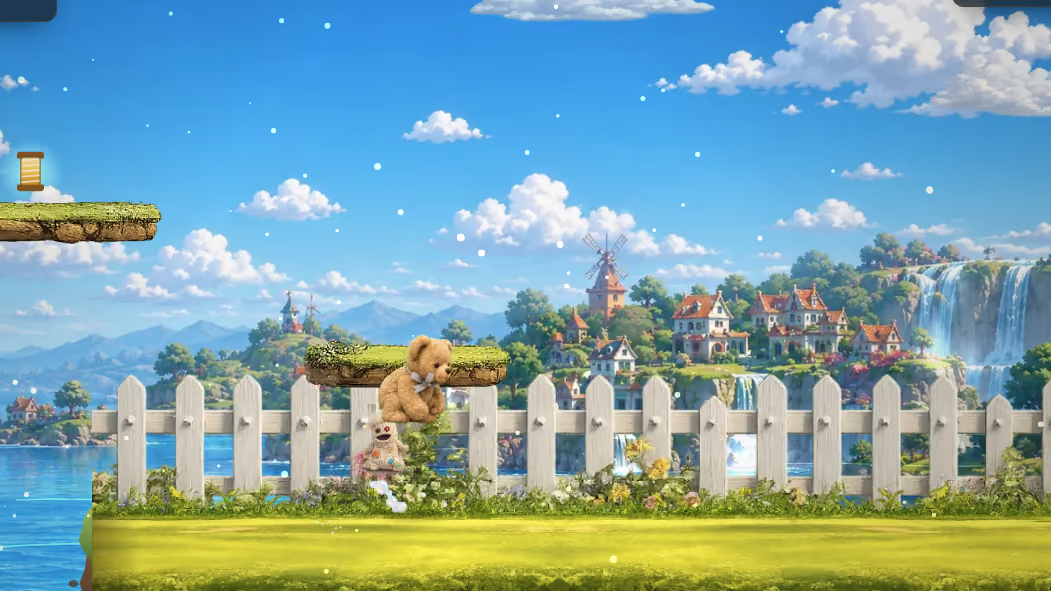
It reads three booleans: left, right and jump. It converts them into an acceleration and applies friction if neither direction is held. It adds gravity and clamps the falling speed. It moves horizontally and resolves any overlap, then moves vertically and resolves again, which is why collision is done one axis at a time. It ticks the coyote and buffer counters that make jumping feel fair. It checks every collectible against the player's rectangle. It checks whether the goal has been reached.
Then draw runs: background, platforms, collectibles with their bobbing offset, the goal, and the character, choosing between the jump, walk and idle sprites based on state that update already decided.
Then the browser is asked to do it again.
What this means for a commission
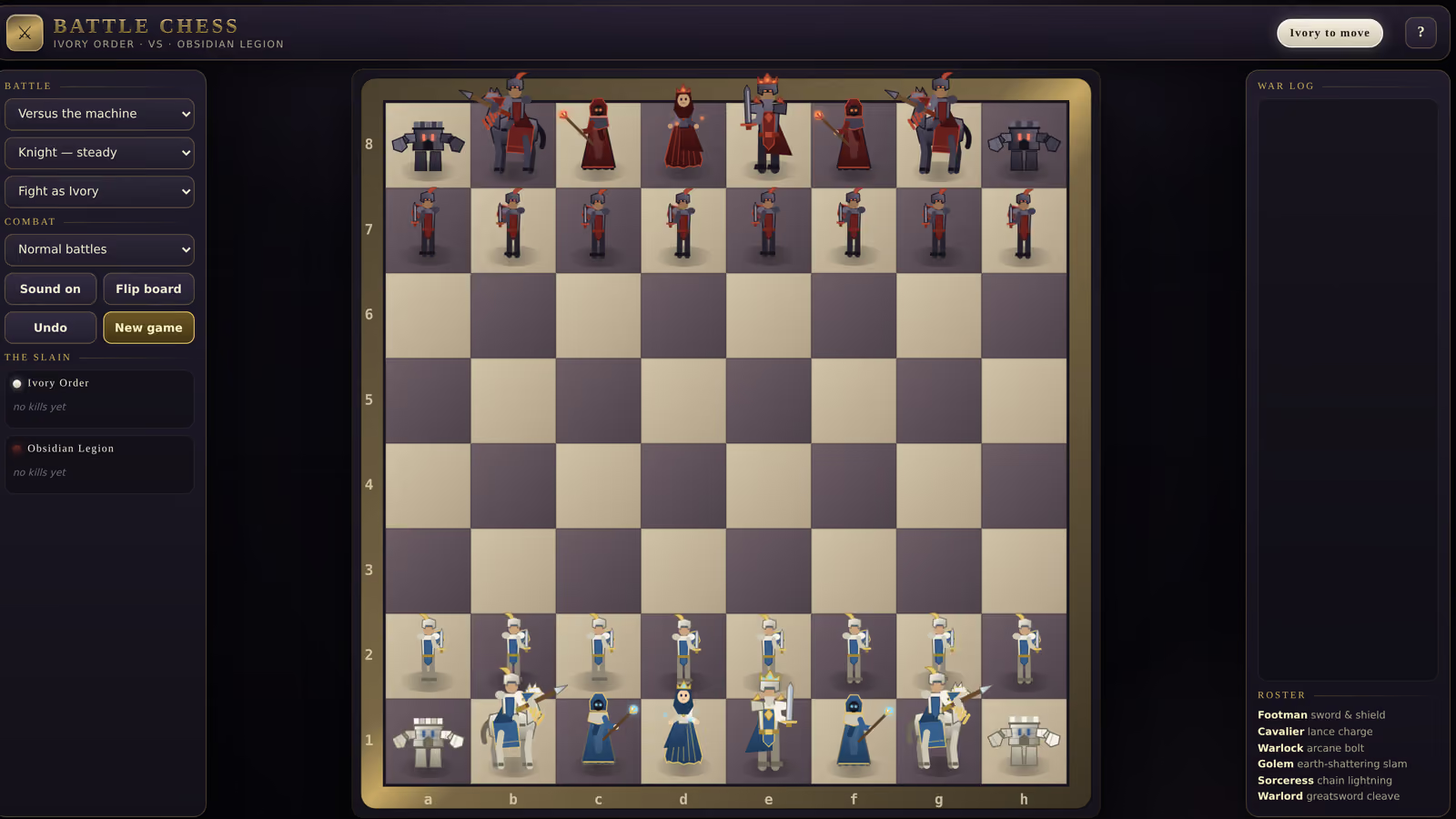
The loop is never the expensive part. It is ten lines and it is the same ten lines in a game for a four year old and a chess engine. What costs is what you put inside it.
But its shape decides what is possible later. A loop where drawing quietly changes things is one that cannot be paused cleanly, cannot be tested automatically, and produces bugs that only appear when the framerate dips. That is worth getting right on day one, because it is very unpleasant to unpick on day thirty.
And it is why a game keeps working offline. There is no server in this. The loop, the artwork and the sound are all in one file, which is how a whole game fits in a single HTML document.
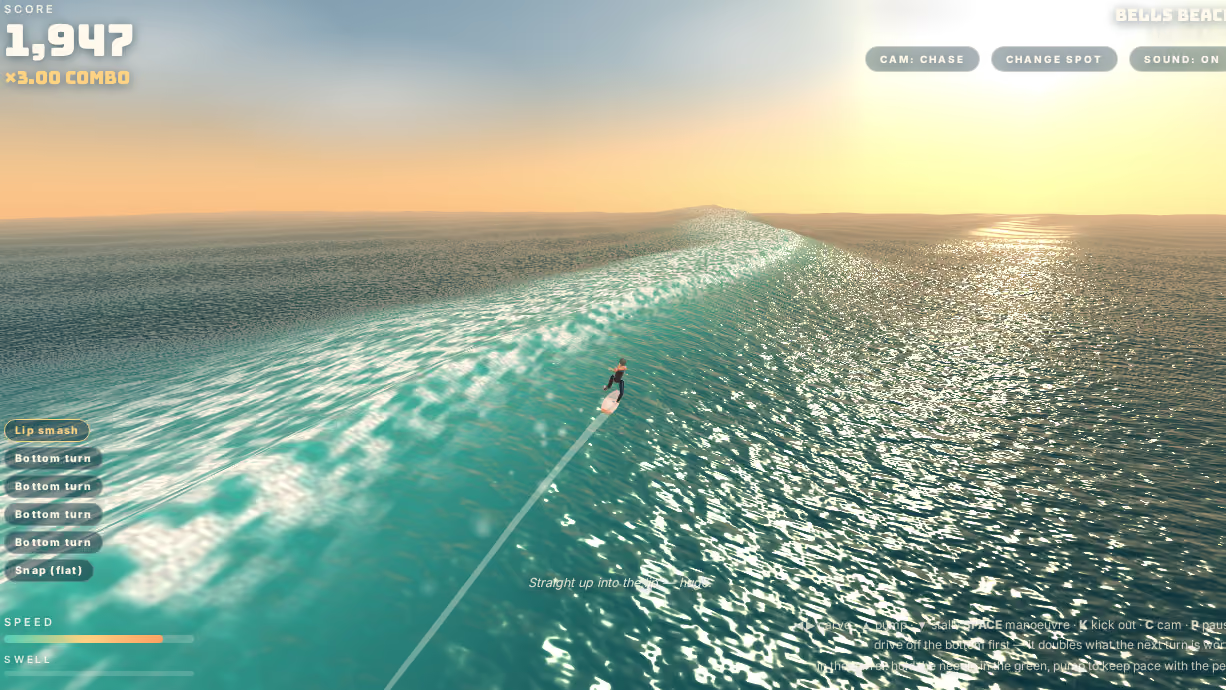
Both builds in the arcade are running the same three lines while you read this.
Why sixty is the number, and what a dropped frame actually feels like, is in why games run at sixty frames a second. What the draw half of the loop does with its turn is in what a game draws first.