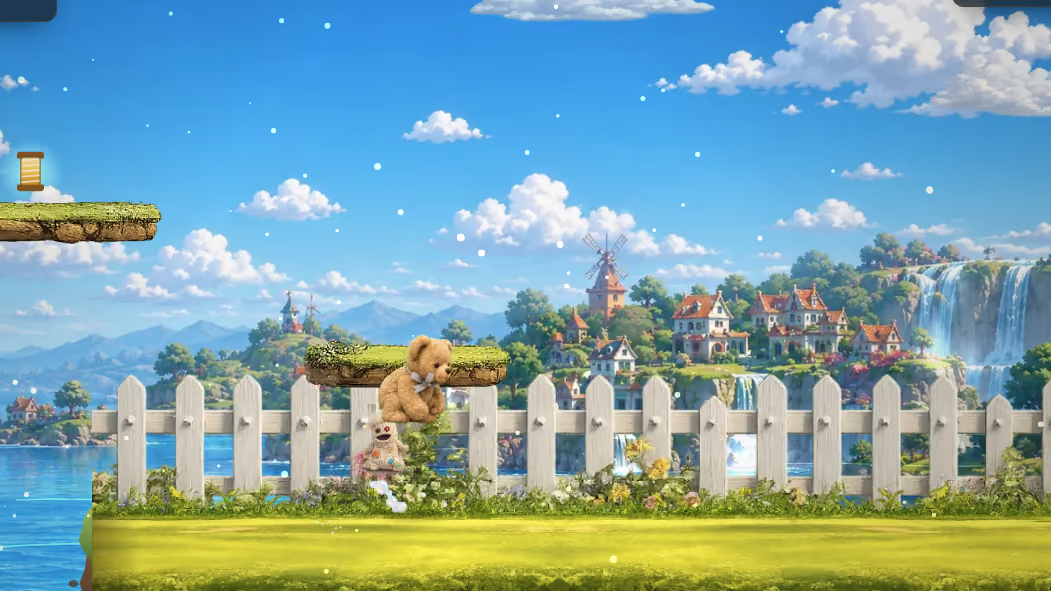
Run right and jump at the same time. It is the most basic thing a platformer asks of anybody, and it is where a surprising number of hand-built games fall over.
The reason is that most software is written to react to events, and a game cannot be.
Presses are events, holding is a state
When a key goes down the system announces it once. Hold it and, after a pause, the system starts repeating the announcement at whatever rate the operating system is configured for.
Write a game that moves the character on each announcement and you get exactly what that describes: one step, a pause, then a stuttering series of steps at a rate the player never chose and you cannot control. It feels like typing. It is not running.
The fix is to stop reacting and start recording.
A game keeps a small record of which controls are currently held. Left, right and jump, in ours, as three simple true-or-false entries. When a key goes down, the matching entry is set to true. When it comes up, false. Nothing else happens on either event.
Then, once per frame, the game reads that record. Right held means add to the horizontal speed this frame. Jump held means consider jumping. The controls are polled rather than obeyed, and everything follows from that.
Two keys at once is now free. Right and jump are separate entries and both can be true, with no special handling, because nothing was ever treating them as competing events.
The translation table
Between the key and the record sits a small map, and it is worth having even though it is trivial.
Ours maps the left arrow and both cases of A to the same entry; the right arrow and D to another; the up arrow, W and the space bar to jump. One control, several ways to reach it.
Having that as a table rather than a chain of conditions means adding an alternative key is one line, and it makes the game's actual controls readable in one place. It also draws a clean line: everything before the table is about hardware, everything after is about the game, and the game never mentions a key name again.
That separation is what makes the next part possible.
The same game, with a thumb
Because the game reads a record rather than listening for keys, anything that can write into that record can play the game.
Touch controls are three invisible regions across the bottom of the screen. Press one and it sets the same entry the left arrow would. Release and it clears it. The game does not know and does not need to know.
Our engine template lays them out as three equal columns filling the lower third, deliberately large, with no visible artwork. Large because a thumb is imprecise and a small button is a miss. Invisible because the artwork behind them is the game and a set of drawn buttons over it is a worse picture for no gain.
They are shown only on devices with a coarse pointer, which is how a browser describes a finger, so a laptop never sees them.

Where touch goes wrong
Two real defects, both found on an actual phone and neither visible in a resized browser window.
The finger that slides off. A thumb presses a control and drifts outside it while still touching the screen. The release event never fires for that control, the entry stays true, and the character runs off on their own with the player holding a thumb on the glass wondering what happened. The fix is to treat the pointer leaving the region, and the system cancelling the interaction, exactly like a release. Two extra listeners.
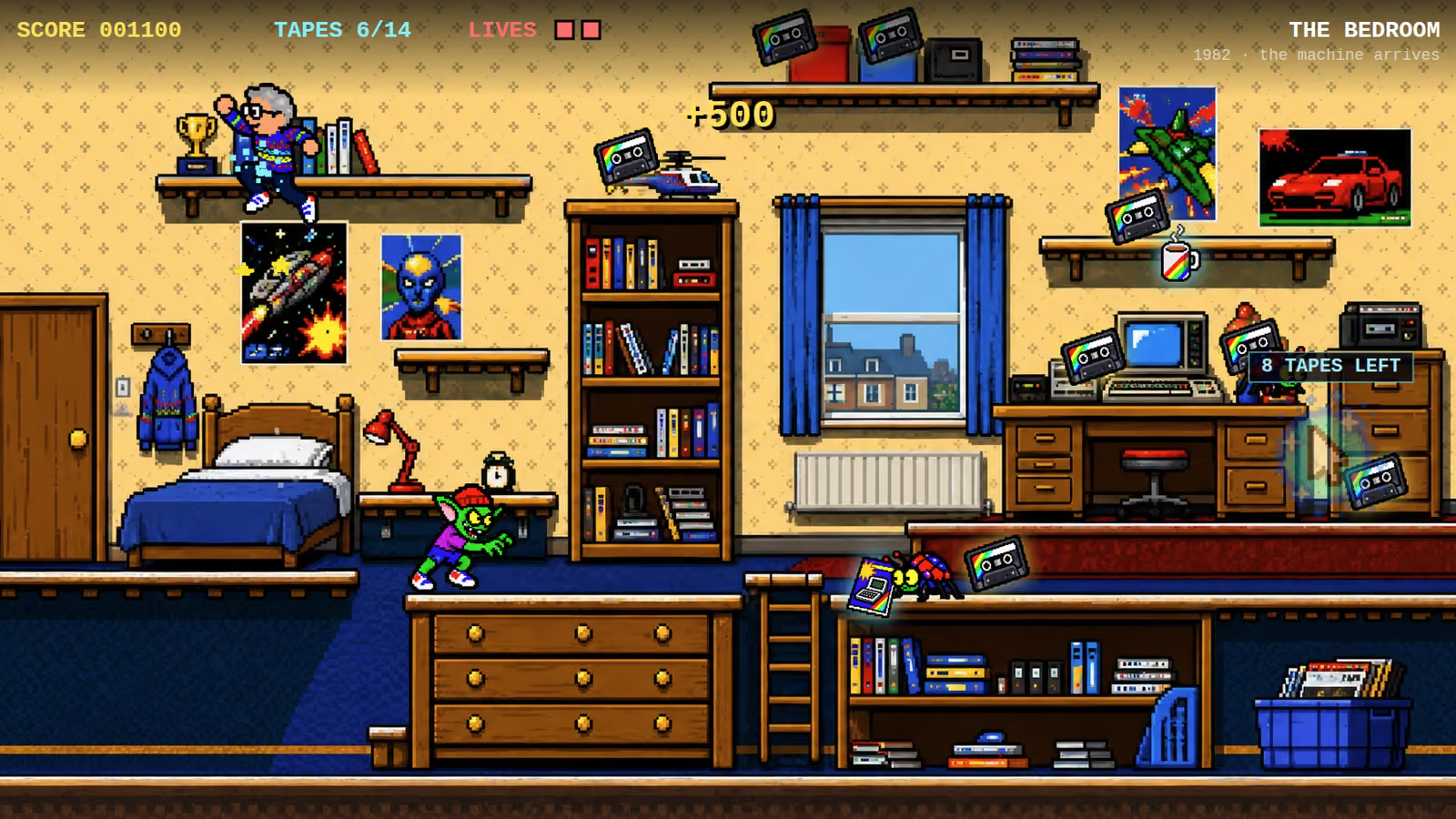
Controls that are always there. Our tape loader showed its touch pads for the whole session, including on the title screen, where they sat on top of the buttons the player actually needed and made them unpressable. The pads were also sized at a fixed ninety pixels and anchored at fixed percentages, so on any screen under about seven hundred pixels wide the two on each side overlapped each other.
Both were fixed in the delivered file: the pads now scale with the viewport and are spaced off each other, and they appear only while a level is actually being played. Showing them is now part of the state transition, which is one line and cannot be forgotten, for the reasons in the one variable that runs the whole game.
Neither of those is a clever bug. Both shipped because the game had been tested by resizing a browser window, which simulates the size of a phone and nothing else about it.
Stopping the page from helping
One last category, and it is the one that makes a game feel broken on a phone in a way nobody can quite describe.
Browsers do helpful things with input that are wrong inside a game. The space bar scrolls. Arrow keys scroll. A swipe pans the page. A double tap zooms. Dragging past the top bounces the whole document.
Each has to be switched off deliberately: telling the browser not to perform its default action for keys the game uses, marking the drawing surface as handling its own touch, and disabling the elastic overscroll on the document.
None of it is difficult and all of it is easy to forget, and the symptom is a game where jumping also scrolls the page, which reads to a player as the game being badly made rather than as a browser default.
What this means for a commission
Two things at once is a fundamental, not a feature. If a game cannot run and jump, nothing else about it matters.
Touch is not a smaller keyboard. It is a different input with its own failure modes, and the only way to find them is a real device.
And the same build serves both. One game, one file, keyboard or thumb, which is a direct benefit of reading a record rather than listening for events.