Ask how to handle animation frames in a game and you will be told to use a sprite sheet. It is the default answer, it has been the default answer since the eighties, and for a great many games it is still correct.
Ours do not use one. That is a deliberate decision rather than an oversight, and the reasoning is a decent illustration of why default answers deserve to be checked against the actual situation.
What a sprite sheet is
One image containing many pictures. A character's eight walk frames sit side by side in a strip, or a whole game's worth of art is packed into a single large square with everything tucked in wherever it fits.
Alongside it sits a table: this frame is at these coordinates, this many pixels wide and tall. To draw a frame, the game copies that rectangle out of the big image rather than drawing a separate small one.
That is it. The picture is the same picture. What changes is how it is stored and how it gets to the screen.
The two problems it solves
Requests. A game loading two hundred separate images over a network makes two hundred requests. Even with modern connection reuse, that is two hundred round trips of overhead, and on a poor mobile connection the difference between that and a single request is enormous. Packing everything into one file makes it one request.
Texture swaps. This is the one people forget, and historically the more important of the two. Graphics hardware draws quickly when it is reading from the same texture repeatedly, and stalls a little every time it has to switch. A scene drawing from two hundred separate textures does two hundred swaps a frame. One sheet means one swap, and the hardware can batch everything into a single operation.
Both of those are real, and on a game with thousands of assets rendering hundreds of objects per frame they are the difference between a game that runs and a game that does not.
Why neither applies to us
Our games ship as one self-contained HTML file with every asset embedded in it as a data URI. There is no server, no asset folder, nothing to fetch.
So the request problem does not exist. There is exactly one request, for the file, and it was already going to be one request. Packing the images into a sheet would save nothing, because there was never a second round trip to eliminate. This is a direct consequence of the delivery decision described in why one game is 104KB and another is 20MB.
The texture swap problem does not apply either, for a less interesting reason: our games do not draw enough per frame for it to matter. A platformer scene is a background, a dozen platforms, a handful of collectibles and one character. That is perhaps twenty draws a frame. The point at which swapping becomes a measurable cost is orders of magnitude above that.
Optimising something that is not slow is not free. It costs the thing below.

What we do instead, and what it buys
Every asset is an entry in one object, keyed by name. Each entry becomes an ordinary image as the file opens. Alongside it sits a small table of dimensions and anchor points, which is exactly the metadata a sprite sheet would need anyway.
Drawing takes a key, a position and a flag for which way the character is facing. That is the whole interface.
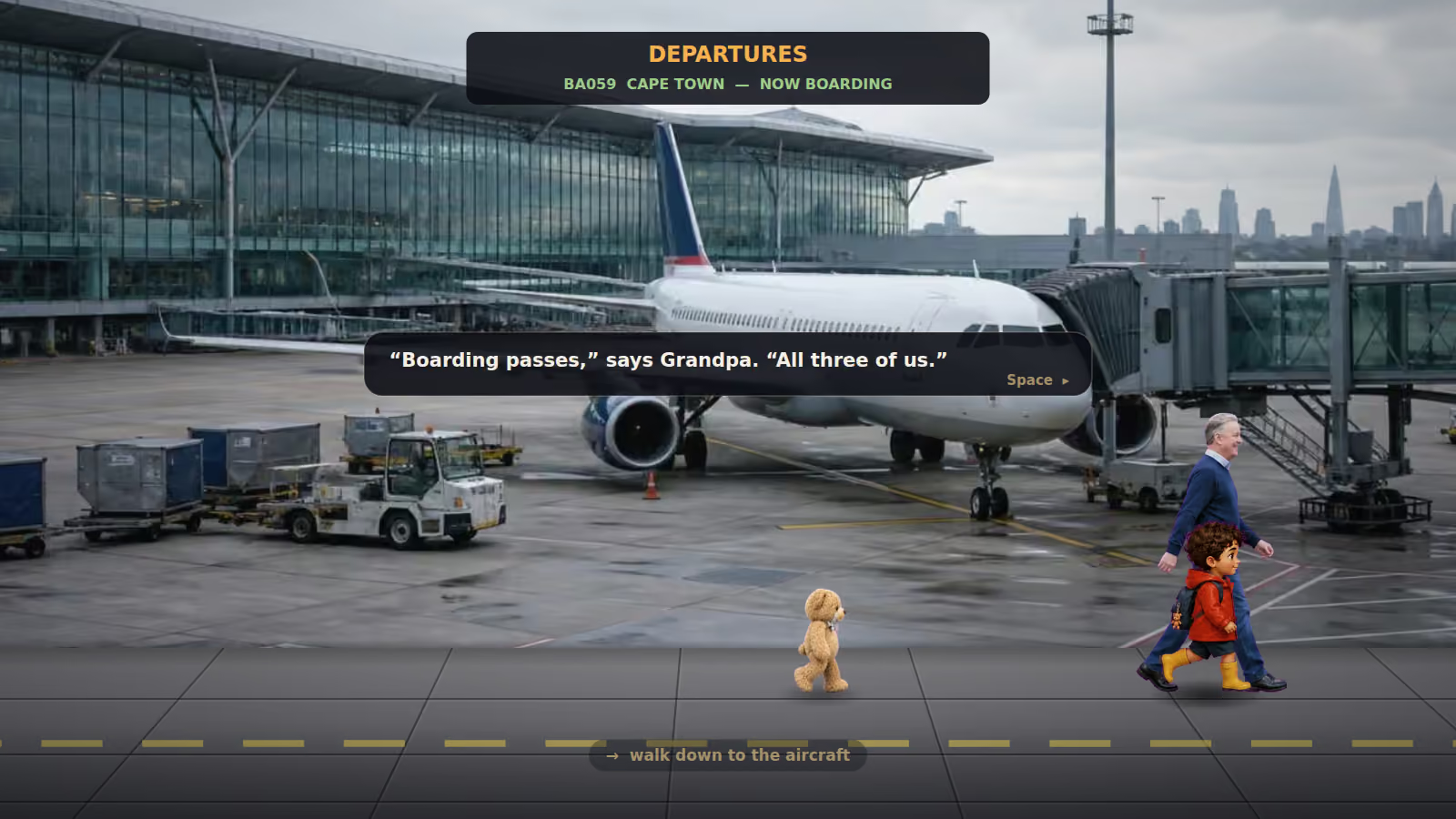
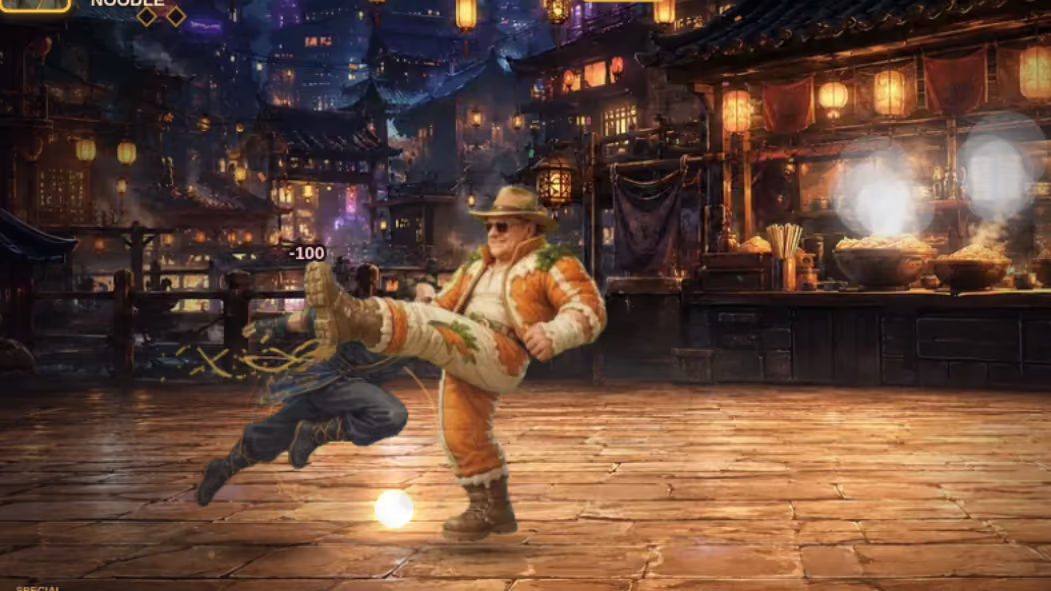
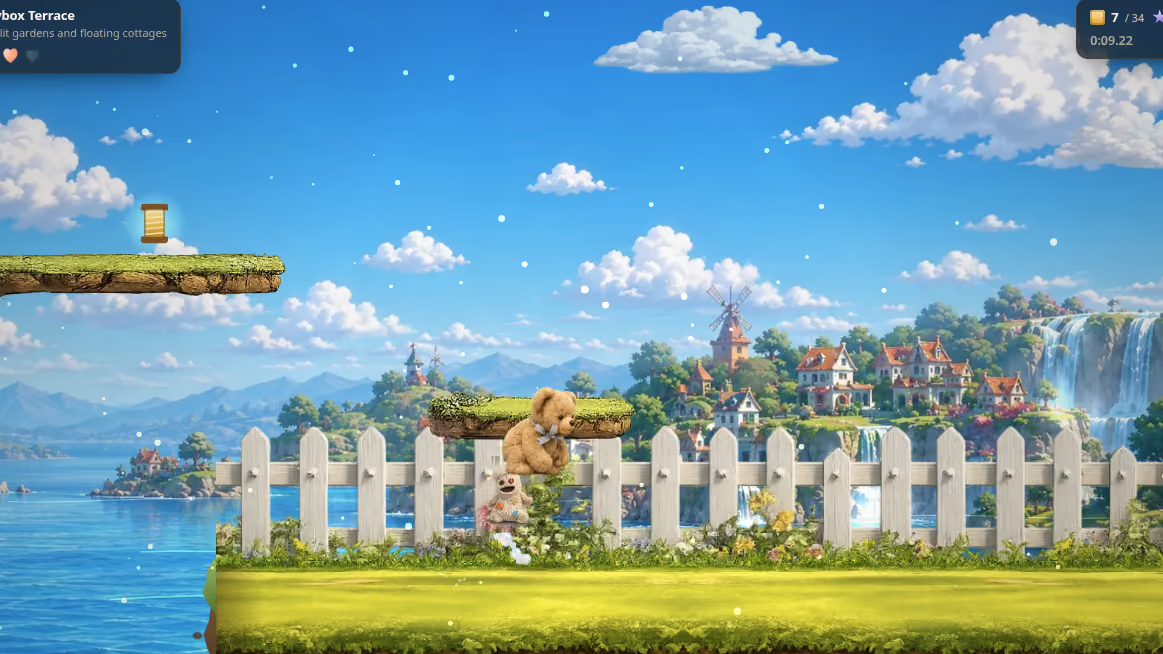
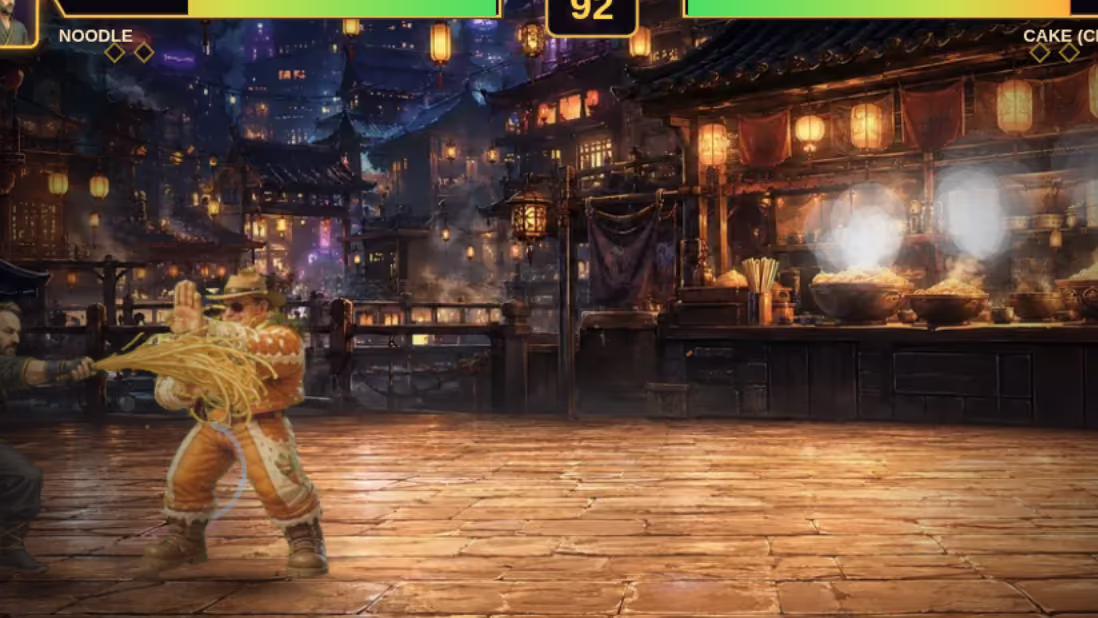
What this buys is directness. An artist hands over a picture of the bear jumping; it goes in under the key for the bear jumping; it appears in the game. There is no packing step, no coordinate table to regenerate, no build tool sitting between the drawing and the game.
That matters more in commissioned work than it would in a studio product, because the artwork arrives piecemeal and changes late. A customer sees a draft and asks for a different jumper. With named assets that is one substitution. With a sheet it is a repack, a regenerated coordinate table, and a chance to introduce an off-by-one error into something that was working.
Sheets also have a specific and irritating failure mode: bleeding. When the hardware samples slightly outside a frame's rectangle it picks up the neighbouring frame, and you get a thin line of the wrong picture along an edge. The fix is padding between frames and careful sampling rules, and it is exactly the sort of bug that appears on one device and not on the machine it was built on.
Where we would use one
To be clear about the limits of this position, because "we do not need it" is not the same as "it is obsolete".
If a build needed a genuinely animated character with a dozen frames per state across several states, and several such characters on screen at once, the number of distinct images would climb into the hundreds and the argument would start to turn. Not because of requests, which are still solved by the single file, but because holding several hundred separate decoded images in memory on a phone is a real cost where holding one large one is not.
That threshold has not been reached by any of our builds. If a brief pushed past it, the answer would change, and the honest position is that the technique is a tool with a condition attached rather than a rule.
What this means for a commission
It is invisible to you. This is a storage decision with no user-facing surface.
It is why late art changes are cheap. Named assets mean a swap is a swap. That is part of the same separation described in why game artwork gets drawn twice.
And it is an example of the general rule. Best practice is advice given without knowledge of your situation. Worth knowing, worth checking, not worth following into a place where the problem it solves does not exist. The same reasoning is why our builds use a fixed timestep rather than delta time.